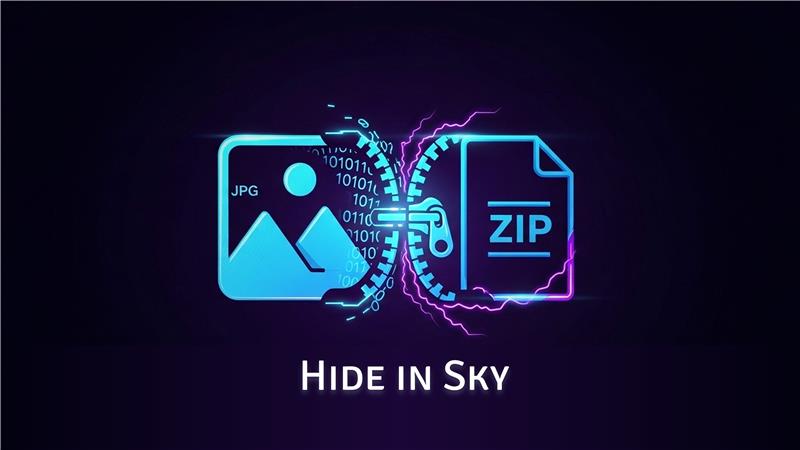
Hiding ZIP Files Inside JPG Images with HideInSky: Steganography 101:
How ZIP files can be hidden inside JPG images using a simple binary trick — and how we turned it into a real Windows app.
Wait, you can hide ZIPs inside images?
Yes — and surprisingly, this isn’t a hack. It’s actually how file formats are designed.
JPEG images store their data from the beginning of the file and stop at a specific marker. ZIP files, on the other hand, are read from the end using a structure called the End of Central Directory (EOCD).
This means you can literally combine both files into one — and both will still work.
- Opens as a valid JPG in any image viewer
- Can also be opened as a valid ZIP by most archive tools
# On Linux/Mac
cat image.jpg archive.zip > combined.jpg

# The combined.jpg opens as a photo AND contains your ZIP
Why Windows Explorer Works Natively
The trick here is that Windows Explorer looks for the PK\x03\x04 signature (the ZIP local file header) anywhere in the file — not just at byte 0. This means .jpg files containing appended ZIPs can be renamed to .zip and opened directly in File Explorer, no third-party tool needed.
#HideInSky automates exactly this:
def merge_jpg_zip(jpg_path: str, zip_path: str, output_path: str) -> None:
    with open(jpg_path, 'rb') as f:
        jpg_data = f.read()
    with open(zip_path, 'rb') as f:
        zip_data = f.read()

    # Simply append the zip bytes to the jpg bytes
    combined = jpg_data + zip_data

    with open(output_path, 'wb') as f:
        f.write(combined)
And extraction:
def extract_zip_from_jpg(jpg_path: str, output_dir: str) -> bool:
    with open(jpg_path, 'rb') as f:
        data = f.read()

    # Find the ZIP PK signature
    pk_index = data.find(b'PK\x03\x04')
    if pk_index == -1:
        return False  # No ZIP hidden here

    zip_data = data[pk_index:]
    # Write and extract using zipfile module
    import io, zipfile
    with zipfile.ZipFile(io.BytesIO(zip_data)) as zf:
        zf.extractall(output_dir)
    return True
#The UI Challenge
The hardest part wasn't the core algorithm — it was making it user-friendly. We went through a few iterations:
- Version 1: Command-line only. Developers loved it, everyone else was confused.
- Version 2: Drag-and-drop GUI. Better, but looked like a Windows 98 app.
- Version 3 (current): Clean UI with proper drag-and-drop targets, progress bar, and a file picker. This is what shipped.
#Is This Secure?
This technique provides obscurity, not encryption. The ZIP inside is not encrypted — anyone who knows the trick can extract it. For actual security, encrypt your ZIP first (with a password or 7-zip AES), then hide it inside the image.
HideInSky is more useful for privacy from casual observers, keeping sensitive files out of sight in a folder full of photos.
Download HideInSky free and see for yourself — no installation required, single .exe file.